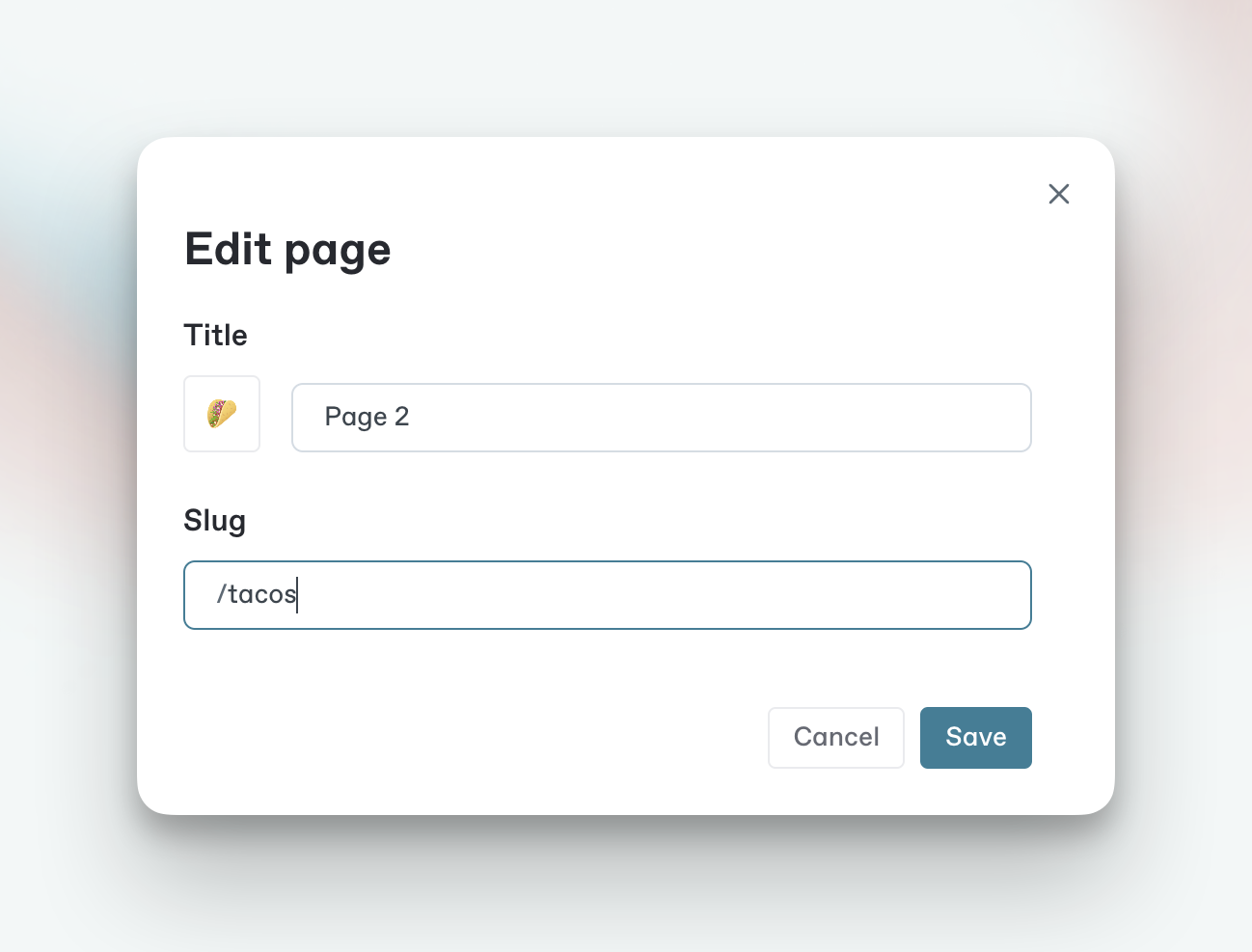
# How can I change the slug in the URL?

In URLs, a **slug** is the part that comes after the final slash, identifying a specific page in a readable and SEO-friendly way, often using keywords.&#x20;

It's customizable for clarity and search engine optimization (SEO).

### How to change the slug in your URL

1. Select the GitBook space and **locate the specific page that requires the slug** change in the Table of contents.&#x20;
2. Hover over the page and click on [**more actions**](https://app.gitbook.com/s/NkEGS7hzeqa35sMXQZ4X/resources/gitbook-ui#the-actions-menu) <picture><source srcset="https://36936689-files.gitbook.io/~/files/v0/b/gitbook-x-prod.appspot.com/o/spaces%2FUa3kTfM3iWAoECzM0u90%2Fuploads%2F6cgh0E3zz0NHLduMZ6gQ%2Factions%20-%20dark.svg?alt=media&#x26;token=a3a953cb-2ece-4c56-afaf-9871c498dc07" media="(prefers-color-scheme: dark)"><img src="https://36936689-files.gitbook.io/~/files/v0/b/gitbook-x-prod.appspot.com/o/spaces%2FUa3kTfM3iWAoECzM0u90%2Fuploads%2F3EdSw2EH3VlZQ0PCyjiS%2Factions.svg?alt=media&#x26;token=e8f22c4d-0609-44e6-9029-55c506eafed8" alt=""></picture> next to the page you want to edit.
3. Choose **rename.** You will find the option to edit the slug according to your needs.
4. Make your changes and click **save**.&#x20;

<figure><img src="https://content.gitbook.com/content/Ua3kTfM3iWAoECzM0u90/blobs/yU1zUcOogJqZ3l5I90Lc/CleanShot%202024-01-23%20at%2017.28.03@2x.png" alt=""><figcaption><p>How to change the slug in your URL</p></figcaption></figure>